Power & charging
Car Mobile Charger Buying Guide: Ports and Fit
By Samveg Jain · Updated 21 October 2026 · 6 min read
Some links on this site may be affiliate links. If you buy through them we may earn a commission, at no extra cost to you. It never changes what we recommend. How this works.
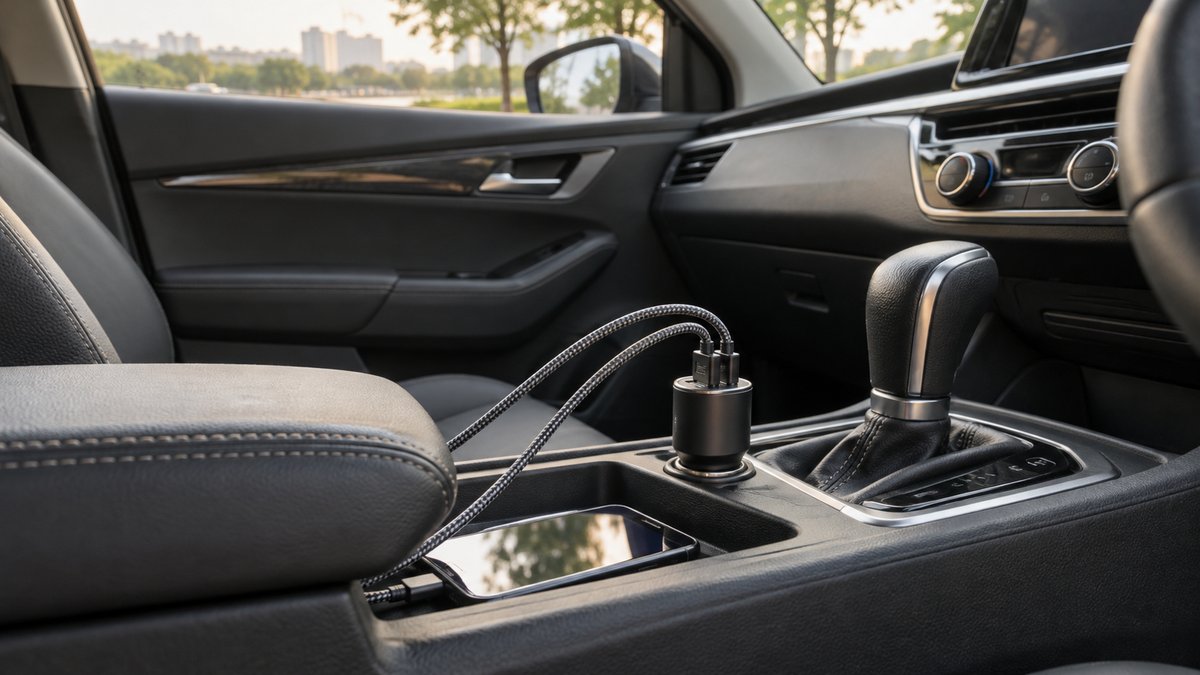
Choose a car mobile charger by socket fit, usable output with your devices connected, and a safe cable layout. A compact dual-port charger may be more practical than a larger multiport body that fouls a gear lever or console lid. Check the vehicle outlet limits and the charger's documentation before buying, then test it with the devices you normally carry.
Start at the vehicle socket
Locate the socket you intend to use and read the vehicle handbook for its voltage, rating and operating conditions. Check whether it is live only with the ignition or remains powered after the car is locked. A charger plugged into a permanently live socket creates different storage decisions from one that turns off with the vehicle.
Measure the space around the opening. A deep socket may hide a very short charger, making removal awkward. A shallow socket may leave a tall charger wobbling above the console. Check access to the lid, handbrake, gear selector and cupholders. Good electrical specifications do not compensate for a body that gets knocked by your hand during ordinary driving.
Look for a firm fit without forcing the plug. If the outlet or charger feels loose, overheats or has visible damage, stop using that arrangement and seek appropriate inspection. Do not wedge foil or other improvised material around the contact to improve fit. Check the manufacturer's instructions for insertion, removal and the permitted operating environment.
List the devices that charge together
Write down the normal combination: perhaps a driver's navigation phone, a passenger phone and another small device. Decide which need charging simultaneously and which can wait. That list determines the port layout and total output you need more accurately than choosing the largest wattage printed on a listing.
Read per-port and shared-output specifications separately. Some chargers reduce what one port can supply when another is connected. A listing that only shows a maximum total may leave the actual split unclear. Ask for the simultaneous-output table if the distinction affects your devices, especially when a larger device is expected to charge beside a phone.
Match cables and ports to your devices. A USB-C connector alone does not describe the supported charging behaviour. For the protocol comparison, read USB-C PD versus QC3 car charging. This buying decision is mainly about installation, simultaneous use and cable logistics once the required charging compatibility is known.
Buy ports you can use without cable clutter
Two well-positioned ports can be easier to manage than four crowded sockets with thick connectors. Look at the direction cables will leave the charger. Angled connectors may help in one console and create a tight bend in another. Leave room to remove a cable by its plug rather than pulling the wire.
For rear passengers, a longer cable needs a defined route that does not cross the driver controls, door latch or a moving seat rail. Do not run it through a sharp trim edge or trap it under a seat mechanism. A passenger should not need to stretch a cable across a child restraint to use a device.
Our organiser guide can help contain unused cables and small adapters. Pack spares in a pouch rather than leaving connectors loose inside a dusty socket compartment. Label cables by device if that avoids rummaging, but keep any labels small enough that they cannot snag controls.
Daily navigation needs a complete phone setup
A charger solves power supply, while a holder solves device position. Choose the holder location first, checking visibility, airbag clearance and access to controls. Then choose a cable long enough to follow a safe route from the socket. An excessively long lead is not an improvement if it hangs near the gear selector.
The phone holder comparison explains mount options. If you want wireless charging, read the wireless car charger guide as well. A powered cradle still needs a compatible input supply and cable, and its convenience does not remove the need to manage heat and secure the phone.
Do not operate charging apps, swap cables or reposition a holder while driving. Set navigation and connect devices before departure, or stop safely to make changes. A passenger can manage their own charging without reaching across the driver's hands. The objective is a setup that needs little attention once the journey begins.
Splitters and extra sockets require restraint
A multi-socket adapter may look like a quick route to more capacity, but every connected load still depends on the original outlet and wiring limits. The ratings on separate sockets should not be added together as though the vehicle can supply them all independently. Check the total arrangement against the car and adapter instructions.
Avoid chains of splitters and chargers. They create leverage on the socket, more contact points and additional cable clutter. High-demand equipment such as an inflator should be assessed separately rather than casually added beside phones. If you repeatedly need several different power outlets, seek a properly designed solution rather than expanding an improvised stack.
Check these points before keeping the charger
- The body fits firmly and can be removed without tools.
- No cable or plug fouls a driving control or moving seat part.
- The normal device combination receives the documented shared output.
- Leads reach their intended positions without tension or unnecessary loops.
- Manufacturer details, instructions and support information are available.
- The car's parked-power behaviour is understood.
Test the charger during a short ordinary journey, with adjustments made while parked. Inspect the fit again after using the console and cupholders. For a longer holiday, include charging checks in your road trip packing routine. A modest charger that fits properly and serves the regular device combination is more useful than extra ports you cannot use safely.
What to look for when you buy
Low-profile dual-port socket charger
Stable socket fit, documented shared output and a body that clears nearby controls.
USB-C multiport car charger
Clear per-port and simultaneous-output specifications for your usual devices.
Rear-seat charging extension
An approved power arrangement with a restrained cable route away from seat rails.
Short charging cable set
Device compatibility, workable length and connectors that avoid tight bends.
Frequently asked questions
Is more ports always better?
No. Check the output available with all required ports in use and whether the cables can be routed safely.
Will any charger fit my car socket?
Socket shape and depth vary. Confirm voltage compatibility, stable contact and clearance for surrounding trim.
Can I leave it plugged in when parked?
Check whether the socket remains powered and follow the vehicle and charger instructions. Unplug when the setup is not suitable for unattended use.
Should I use a socket splitter?
Only with verified compatibility and total loading within the vehicle outlet and adapter limits. Avoid building chains of adapters.
More guides
Power & charging
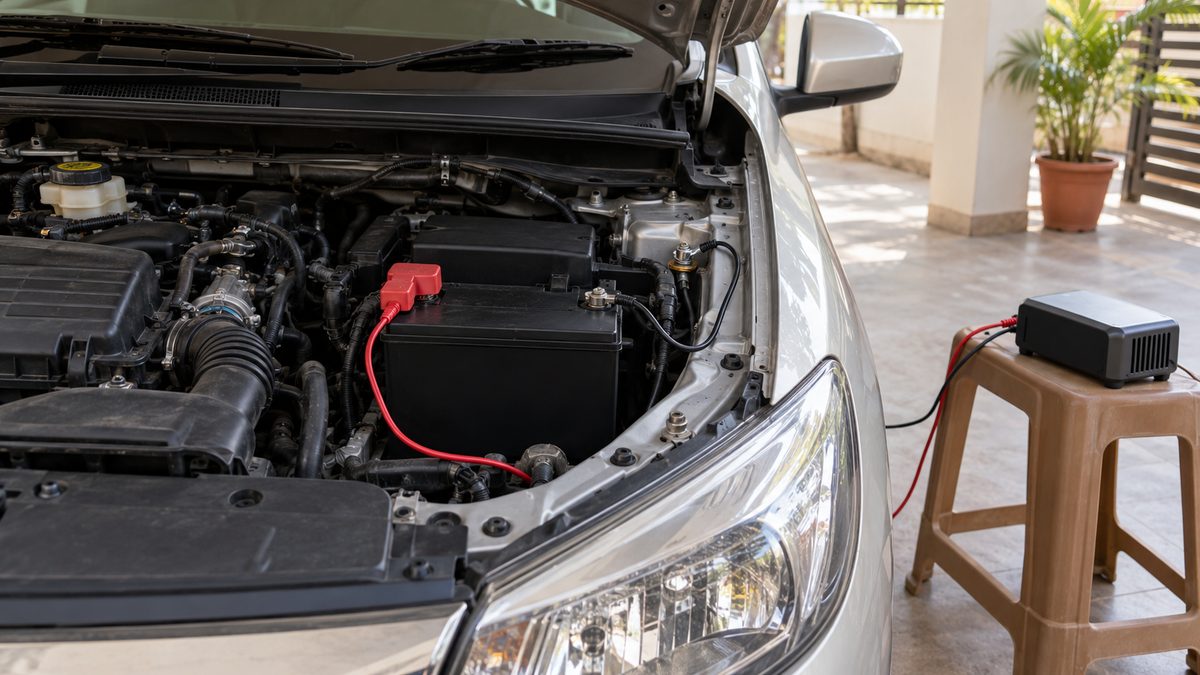
A Charger for a Car Parked for Weeks: What to Check First
Choose a charger for a parked car by battery chemistry, voltage and maintenance mode, with connection checks and clear reasons to stop.
Power & charging
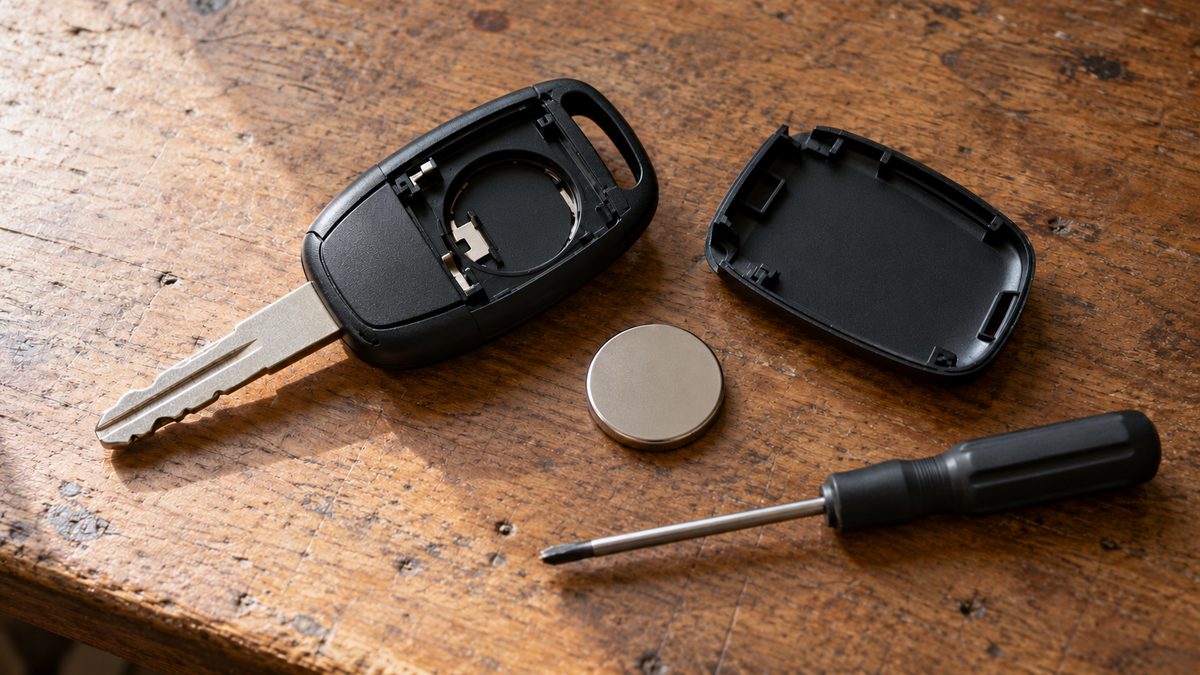
Car Key Fob Battery: Symptoms and Safe Replacement
Identify a weak key fob battery, confirm the exact coin cell and follow a careful replacement process without damaging the casing.
Power & charging
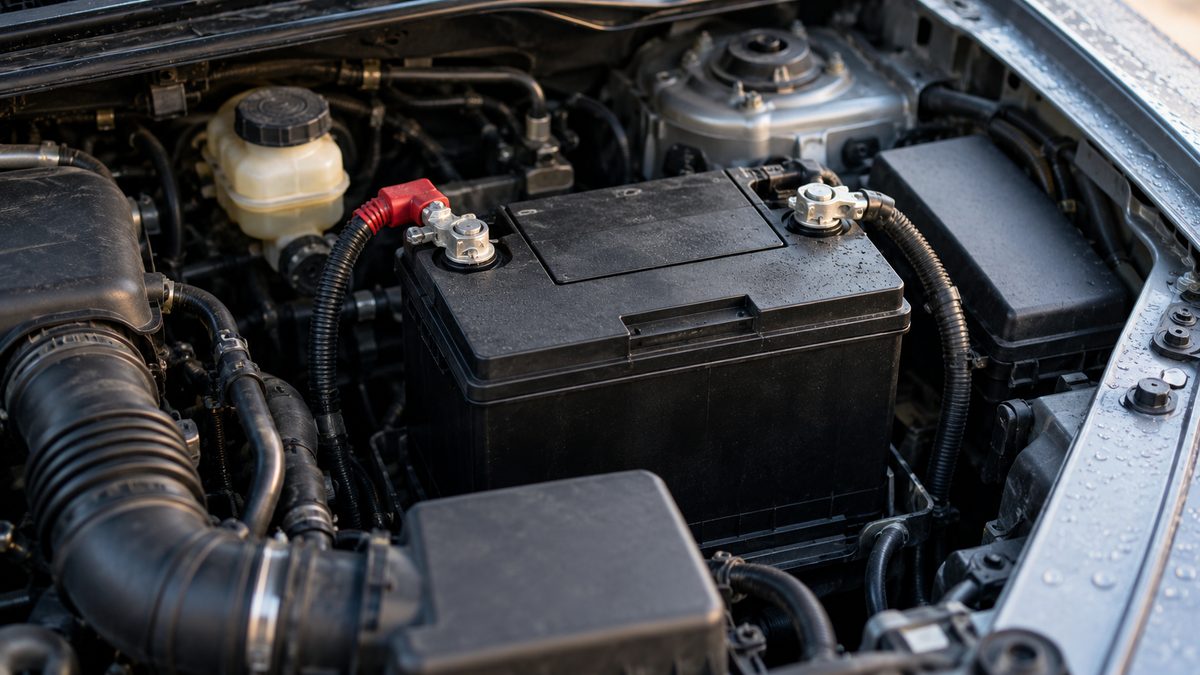
Car Battery Winter Care: Check Before Cold Mornings
Slow starts on cold mornings need diagnosis. Check battery condition, terminals and charging before choosing a compatible replacement.