Buying guides
Car Phone Holder Types Compared: Mount and Fit
By Samveg Jain · Updated 21 October 2026 · 5 min read
Some links on this site may be affiliate links. If you buy through them we may earn a commission, at no extra cost to you. It never changes what we recommend. How this works.
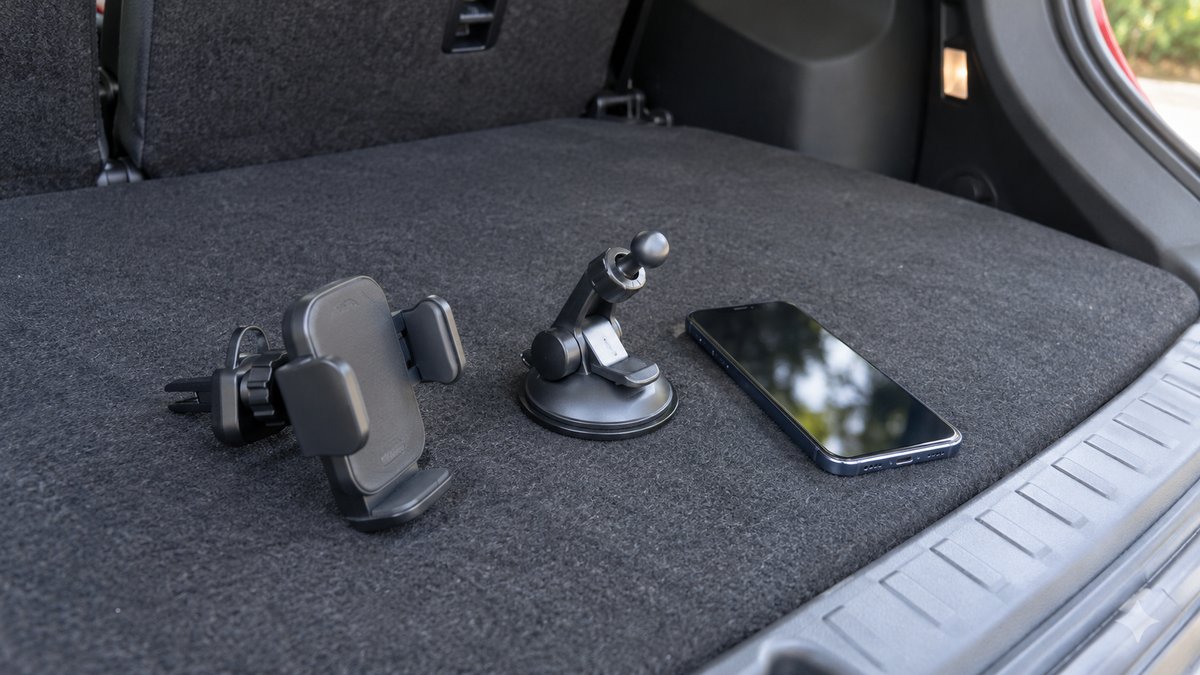
The right phone holder fits both your car and your phone without blocking the windscreen, airbags or controls. Choose the attachment point first, then the gripping method. A strong magnetic head cannot rescue an unstable base, and a solid vent clip may still be wrong for fragile or unusual vents. Test the complete arrangement while parked before relying on it for navigation.
Separate the base from the phone grip
Product listings often mix two different choices. Vent, suction and fixed bracket describe how the holder attaches to the car. Magnetic, spring clamp and gravity cradle describe how it retains the phone. You need a compatible combination, not a winning label. A mount can excel at holding the phone while being unsuitable for the surface beneath it.
Make a shortlist from your interior rather than a generic best-seller list. Photograph possible locations from the driver's normal seated position. Include the charging cable and phone in its usual case. If charging is a priority, compare the wireless charger guide before buying a mount that later turns out to need replacement.
Compare mounting points
| Base type | Reason to consider it | Fit concern |
|---|---|---|
| Vent attachment | Compact installation without adhesive | Vent geometry, strength and airflow |
| Suction base | Position adjustment on an approved smooth surface | Visibility, surface compatibility and heat |
| Fixed interior bracket | A defined stable position | Exact vehicle fit and control access |
| Cupholder base | No attachment to glass or vent | Low viewing position and loss of storage |
A dashboard adhesive mount needs a surface the adhesive maker approves. Textured, soft-touch or curved trim can be unsuitable, and removal may leave marks. Do not attach anything to an airbag cover. A windscreen mount should only be considered where local rules and an unobstructed road view permit it; an empty patch of glass is not automatically a safe location.
Vent clips need more than a tight screw
Check whether the design suits horizontal, vertical or round vents, and whether it relies on a blade or a stronger surrounding structure. A supporting foot can reduce movement, but its contact point must also tolerate the load. Do not keep tightening a clamp when the vent is bending. That is a fit problem, not a request for more force.
Try adjusting airflow and opening or closing the vent with the phone fitted. The mount should not prevent essential demisting controls or cause the phone to hit adjacent switches. Direct hot air may also be unsuitable for the phone or charger. A holder that works during air conditioning may still be inconvenient when the cabin requires a different ventilation setting.
Match retention to the phone you carry
Check the actual phone width, thickness and weight including the case. Clamp jaws should avoid side buttons and allow the charging connector to sit naturally. A gravity cradle depends on orientation and may behave differently when rotated. Test insertion and release without forcing the phone against a camera bump or resting it on an exposed cable connector.
Magnetic systems require a compatible phone, case or specified accessory. A generic metal plate can interfere with wireless charging if placed in the charging area. Read both sets of instructions before combining parts. Ask whether the phone stays secure on uneven roads while using the case you intend to keep, rather than judging an unclothed demonstration phone.
Use the shortest practical support
A long arm offers reach but can increase movement and loading at the base. Position the phone close enough to serve its intended navigation role without projecting into the steering, gear-selection or passenger space. Check the view with the driver's normal seat adjustment, and consider other drivers who use a different seating position.
Lock joints according to the instructions and inspect them after a few ordinary journeys. If the phone shakes so much that you want to steady it while driving, remove or replace the setup. A holder is not permission to operate the phone on the move. NHTSA's distracted-driving guidance explains the danger of attention diverted from driving; follow the applicable local rules as well.
Route the cable as part of the installation
Leave enough slack for the phone to be inserted without pulling the plug, but keep excess cable out of pedal and steering areas. Avoid sharp bends at connectors and do not pinch a lead under moving trim or a seat rail. If you share a socket with other equipment, plan the power arrangement before adding splitters and extension leads.
The car charger buying guide covers socket fit and cable logistics. Coordinate the mount with your dash camera position too. Each device can appear acceptable alone while the combined arrangement blocks a larger part of the road view or creates an awkward cable bundle.
Inspect the release mechanism with the charging connector fitted. Some clamp shapes make the phone easy to insert but awkward to remove, encouraging force that can loosen the base or damage the cable at its plug.
Perform a parked acceptance check
- Sit normally and check the windscreen view, mirrors, instruments and reachable controls.
- Fit the phone and case, then confirm the base, joints and clamp stay still.
- Check for contact with buttons, vents, airbags or a passenger's movement.
- Plug in the cable and move normal controls without catching it.
- Set navigation and audio before the car starts moving.
Remove a mount that loosens in heat, marks trim or needs frequent readjustment. An inexpensive holder that fits the car properly can be more useful than a complicated motorised design with weak retention. Keep the purchase focused on a stable, permitted position and a phone that can remain untouched during the drive.
What to look for when you buy
Vent mount with supporting hook
Written compatibility with your vent shape, controlled clamping and a short supported arm.
Short-arm suction mount
A permitted unobstructed location, suitable mounting surface and a dependable release mechanism.
Vehicle-specific fixed bracket
Compatibility with your exact interior, reversible fitting and clearance from airbags and controls.
Compatible magnetic phone cradle
Retention with the actual phone and case, secure base and documented charging compatibility if needed.
Frequently asked questions
Is a magnetic holder always a wireless charger?
No. Magnetic retention and charging are separate features. Check the charging specification and phone compatibility if both are required.
Can a vent holder damage the vent?
A poorly matched or overloaded mount can stress vent parts. Check permitted fit, support and phone weight, and stop using it if the vent flexes or slips.
Should I put the phone where I can see it easily?
Only within a location that also preserves the road view and avoids airbags and controls. Set navigation while parked and follow local mobile-use rules.
Do I need an extending arm?
Use only the reach needed for a safe position. Long unsupported arms can amplify movement and place more load on the mounting point.
More guides
Buying guides
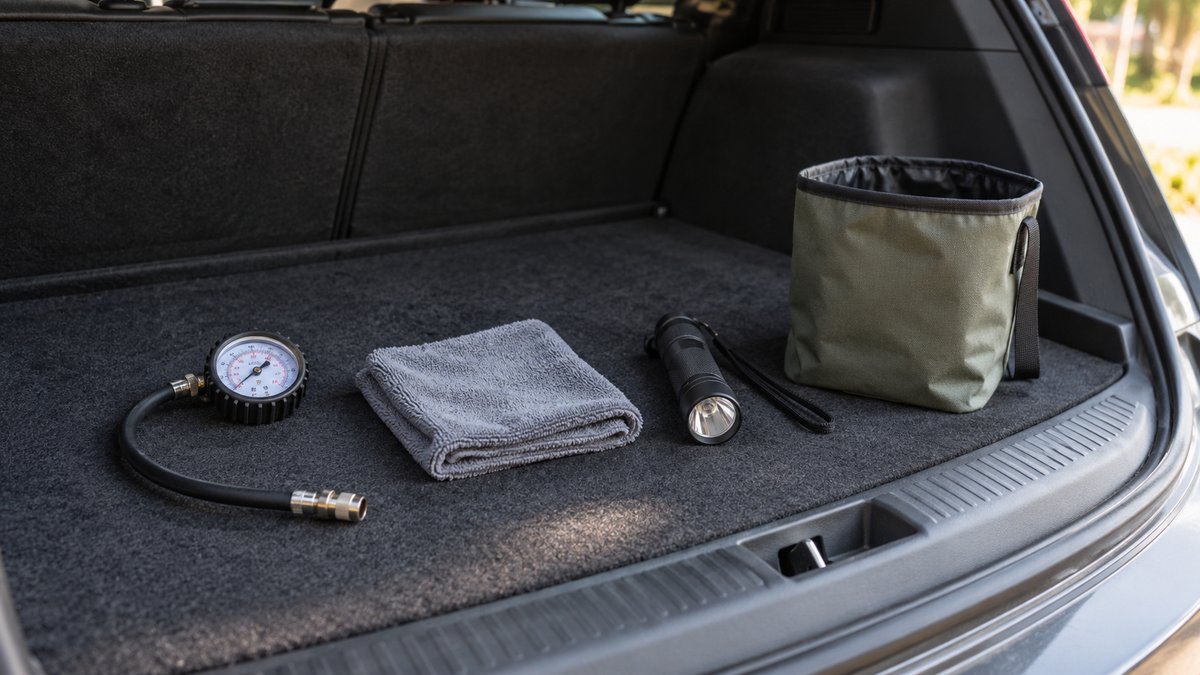
Budget Car Accessories Worth Buying for Daily Use
Prioritise a tyre gauge, useful cloths, a torch and tidy storage before decorative gadgets. Buy for a recurring task and check fit before keeping it.
Buying guides
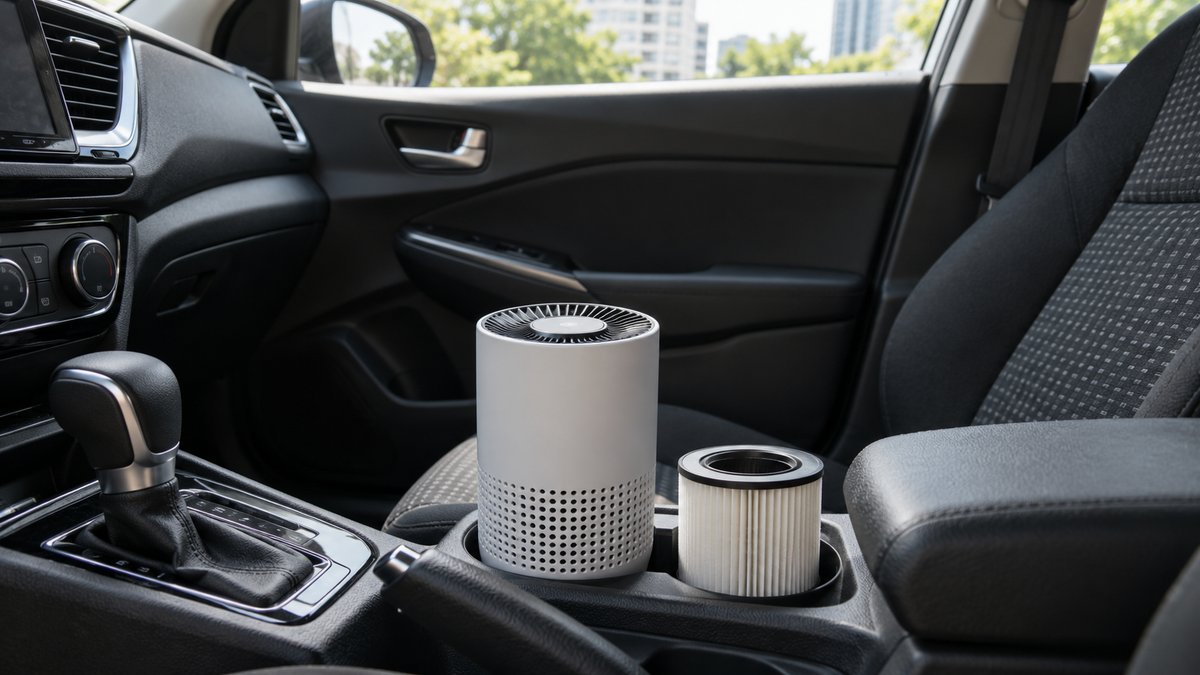
Car Air Purifier: Filter, Airflow and Running Costs
Choose a filter purifier with clear airflow evidence and available replacements. Remove odour sources and check safe mounting before buying.
Buying guides
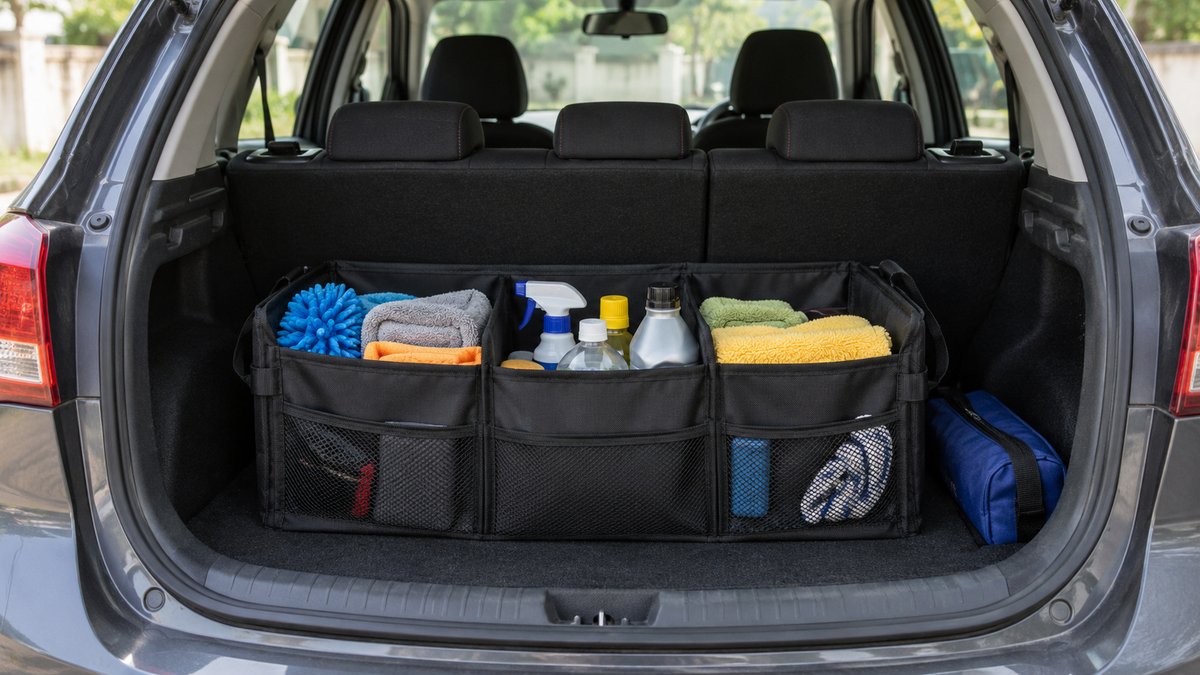
Car Seat and Boot Organisers: What Fits Where
Choose organisers by anchor points and usable space. Keep heavy items low, emergency gear accessible and seat controls clear.