Safety gear
Dash Cam Parking Mode: Recording, Power and Limits
By Samveg Jain · Updated 21 October 2026 · 5 min read
Some links on this site may be affiliate links. If you buy through them we may earn a commission, at no extra cost to you. It never changes what we recommend. How this works.
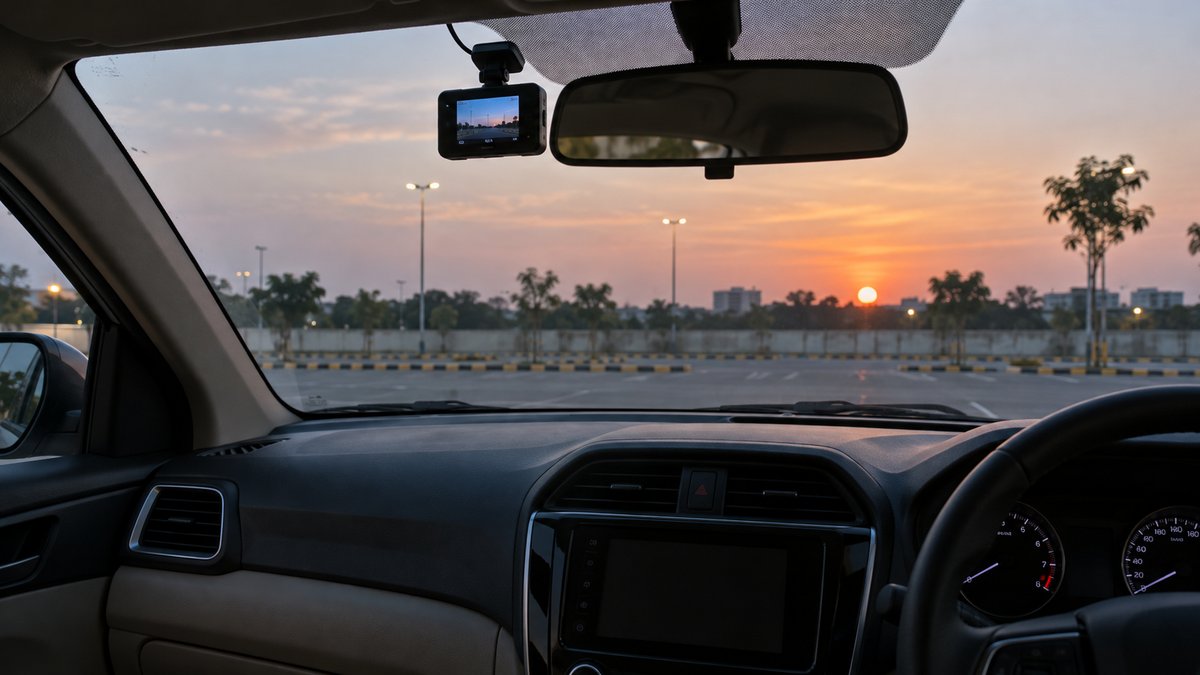
Parking mode is a recording feature for a stationary car, with results that depend on the trigger, camera view and available power. Buy it as a complete camera-and-power arrangement. Confirm what gets recorded before an event, how power is limited and whether the system stops safely. A parking label alone does not promise an overnight recording or capture of every scrape.
Begin with the place you park
A camera facing a well-lit apartment driveway has a different job from one overlooking a busy market street. Consider where contact is most likely, how much movement passes the lens and whether a wall blocks the view. If the threatened panel is outside the recorded scene, a more sensitive trigger cannot bring it into the frame.
Also consider how long the car sits between drives. A vehicle used for short local trips may not suit the same parked load as one driven regularly for longer periods. Discuss that pattern with an installer instead of copying another owner's runtime claim. For coverage choices, compare front-only and dual-channel cameras before adding parking accessories.
Understand what starts and preserves a clip
| Mode | What it aims to capture | Question to ask |
|---|---|---|
| Impact-triggered | Activity associated with a detected bump | How much is lost before wake-up? |
| Motion-triggered | Movement within the camera view | Can passing traffic fill the event storage? |
| Buffered event | A period before and after a trigger | Which events and channels have buffering? |
| Time-lapse or low-bitrate | A longer overview using reduced recording data | What detail or sound is omitted? |
Names vary between manufacturers. Read a sample file description, not only the menu label. A time-lapse overview may help identify when someone approached the car while missing the smooth motion needed to interpret a fast impact. An impact-only recorder may wake after the useful moment. Choose according to the event you care about, and accept the remaining blind spots.
Buffered recording needs a supported implementation
Buffering means the system can retain earlier images when an event is detected. It does not mean every camera is recording a full-quality permanent file at all times. Check the pre-event and post-event periods in the manual, including whether the rear channel is covered. Ask how multiple close events are grouped and whether event files can be overwritten.
Make the seller show an original parking clip with its surrounding context. Look for an approaching person or vehicle before the trigger rather than an unexplained jump to the aftermath. If the description never states how recording starts, treat the feature as unresolved. A clear explanation of limitations is more useful than a sweeping surveillance claim.
Buy power protection with the camera
Some vehicle sockets stop supplying power with the ignition, while others remain active. Hardwire kits can provide another supported route, but camera compatibility and installation matter. This manufacturer parking-mode documentation demonstrates that entry into parking mode is defined by the product. Do not transfer a specific camera's timing or wiring assumptions to a different system.
For a protected hardwire setup, ask about the low-voltage cutoff, time limit if offered, supported vehicle system and behaviour during engine starting. Check the manufacturer's instructions with the installer, including circuit protection and cable routes. A cutoff is a discharge safeguard with limits, not a test of battery health or a guarantee that the next start will succeed.
Keep portable power within its intended use
A loose general-purpose phone power bank should not become a permanent windscreen-area power source. If you consider a dedicated parking battery, require documented automotive use, temperature limits, secure mounting and compatibility with its charging source. Installation must leave service access and keep equipment away from occupant movement and airbag deployment areas.
Indian summer parking makes storage conditions part of the purchase. Check both the recorder and any power module, including where each will be installed. A temperature shutdown can create a gap in coverage even when plenty of energy remains. Do not defeat a protection setting to extend runtime, and avoid buying a setup whose safe storage requirements you cannot meet.
Test in your own parking space
- Confirm the camera enters the selected parked mode after a normal drive.
- Walk through the recorded scene while the car is safely parked and inspect the result.
- Compare day and night clips for reflections, glare and missing views.
- Observe unwanted triggers without striking or shaking the vehicle.
- Check resumption of driving recording and any power or storage warnings.
Save useful files promptly and maintain free event storage according to the manual. Keep the clock accurate and learn how to export originals without depending on mobile reception. Recording practices, audio capture and sharing can raise local privacy questions, particularly in shared parking. Verify applicable rules and permissions rather than assuming private ownership of the camera settles every issue.
Revisit detection settings after changing parking locations. Passing headlights or constant pedestrian movement can produce a different event pattern, so a configuration chosen for a quiet private driveway may need adjustment in a crowded street.
Spend on reliability before remote extras
Remote alerts may require a data connection, additional hardware and an ongoing service. Confirm what works in a basement with poor reception and what remains recorded when connectivity drops. Read the main dash cam checklist for file access and memory-card checks. Reliable local recording should be understood before adding account-dependent features.
Parking recording complements sensible parking and a clear cabin. It cannot stop damage or supply a missing side view. If other gadgets are competing for space and sockets, the unsafe accessory guide helps identify clutter to remove before adding more equipment.
What to look for when you buy
Buffered event-recording camera
Documented footage before and after a trigger, supported power kit and event export.
Low-bitrate parking recorder
Continuous parked recording settings, storage requirements and separate driving-mode behaviour.
Matched protected hardwire package
Camera compatibility, adjustable protection where supported and professional installation guidance.
Frequently asked questions
Does motion detection record everything?
No. Detection zones, sensitivity, lighting, lens direction and firmware affect what triggers recording. Test the chosen settings in your normal parking space.
What does buffered parking recording mean?
The camera retains a short period before a detected event as well as footage after it. Verify the exact buffer and supported power arrangement for the model.
Can the small internal battery power a full night?
Do not assume it can. Internal energy storage may only support shutdown or brief events; consult the maker's specified parking operation.
Does a cutoff guarantee the car will start?
No. A cutoff limits discharge under defined conditions, but battery condition, temperature and vehicle requirements still matter. Seek installation advice for your car.
More guides
Safety gear
Car Safety Around Firecrackers: Parking for Diwali
A practical parking and inspection plan for Indian car owners before and after Diwali celebrations.
Safety gear
Night Driving Checklist: Lights, Glare, Fatigue and Kit
Prepare for an evening drive with checks for lights, glass, mirror glare, fatigue and breakdown equipment, plus clear reasons to delay.
Safety gear
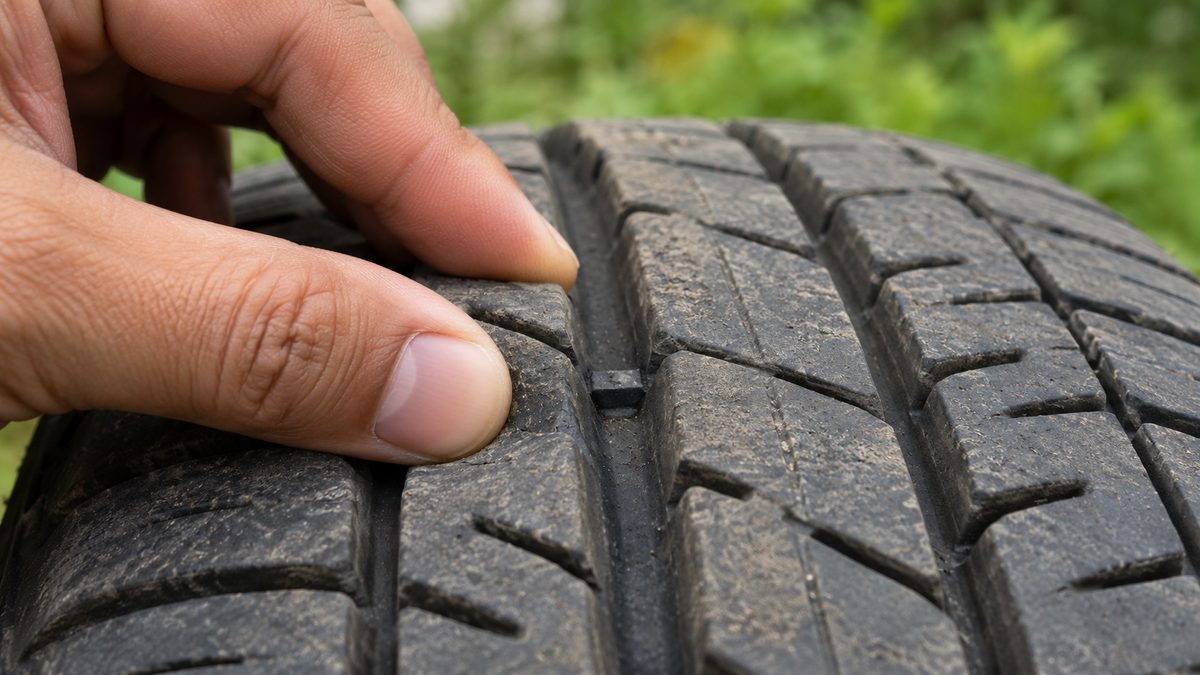
Tyre Tread Depth: Check Wear Before Buying Replacements
Inspect tread grooves, wear indicators and uneven wear before choosing replacement tyres. Know when a professional inspection cannot wait.