Buying guides
Front vs Dual-Channel Dash Cams: Which Setup Fits?
By Samveg Jain · Updated 21 October 2026 · 5 min read
Some links on this site may be affiliate links. If you buy through them we may earn a commission, at no extra cost to you. It never changes what we recommend. How this works.
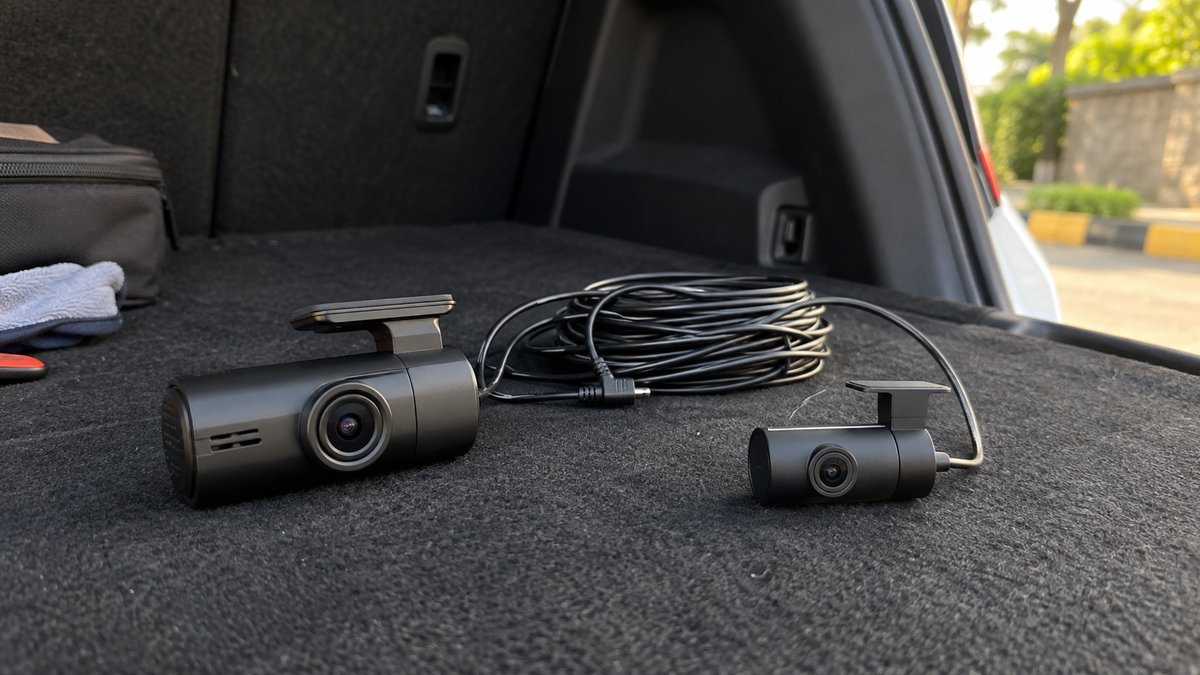
Choose a front-only dash cam when your priority is recording the road ahead with less installation work. Choose a matched front and rear kit when evidence behind the car matters enough to justify another cable, mount and video stream. Dual-channel does not mean all-round coverage, and some packages use the second channel for the cabin instead of the rear window.
Draw the views before comparing the cameras
Imagine a junction disagreement, a vehicle following closely and a parking scrape along a side door. A forward-facing lens may explain the junction. A rear lens may show the following vehicle. Neither is certain to capture the side-door contact. Thinking in views helps prevent an expensive kit from being mistaken for a complete security system.
Ask the seller to identify each camera's direction and mounting point. Terms such as dual lens, dual-channel and front plus cabin can describe different arrangements. For a privately used family car, recording passengers may create unnecessary privacy concerns. The broader dash cam buying guide covers video quality and storage choices once you have selected the views.
What each setup adds to daily use
| Decision | Front only | Front and rear |
|---|---|---|
| Recorded direction | Traffic ahead | Traffic ahead and behind |
| Fitting work | One camera and its power route | Rear mount and connecting route as well |
| File handling | One video stream to find | Both views need checking and export |
| Potential obstruction | Front glass and mirror area | Front and rear glass or tailgate trim |
A single camera is easier to move between cars if its bracket and cable can be removed safely. A wired rear camera makes frequent transfers less convenient. If you lease the car or expect windscreen replacement, ask about reversible mounting and who will refit the cables. Those practical details may matter more than another recording badge.
Compare footage with every channel switched on
Request sample files from the exact recording configuration you intend to use. A front camera's maximum setting may differ when another camera is connected. Confirm resolution, frame rate and any available image settings for simultaneous recording. Do not compare one kit's best front-only demonstration with another kit running two cameras through a wet rear window.
Look at the rear view separately. Headlight glare, glass reflections, rear-window tint and an unwiped area can all make that view less useful. Check distant signs and moving vehicles rather than only parked objects. If the rear footage is poor, the extra channel may still provide context, but it should not be bought on a promise of guaranteed number-plate recognition.
Rear installation depends on the body style
A hatchback has a moving tailgate, so the route must accommodate opening and closing without stretching or pinching the cable. A saloon may offer an easier fixed rear-glass location, though trim access still differs. Measure the intended route around the interior rather than estimating the cable length from the straight distance between windscreens.
Check the manufacturer's instructions and ask an installer to confirm a path clear of curtain airbags, hinges, seals and sharp trim edges. Do not run wiring loosely across seats or allow it to hang near passengers. Exterior rear cameras need a documented weather-resistant installation; an indoor glass-mounted module should not be repurposed outside just because it can see more from there.
Two channels change storage and troubleshooting
Adding a video stream generally creates more data at otherwise comparable settings, but retention time depends on the actual bitrates, card capacity and protected-file rules. Use the camera maker's retention guidance for the selected mode. Buying a larger card without checking supported capacity can leave you with a card the camera cannot reliably use.
Find out how the recorder reports a disconnected rear camera. A front recording indicator might not tell you that the second view is missing. During initial checks, play files from both directions and compare their timestamps. Learn which folders contain the two streams and how to copy a matched pair after an event. Save originals before experimenting with edits or messaging apps.
Parking recording is a separate decision
A rear camera in the box does not establish that the system records when parked. Confirm whether parked monitoring covers both channels, which trigger starts a recording and what supply it needs. Manufacturers distinguish driving power from parking operation, as shown in this camera maker's parking-power explanation. Follow the documentation for the kit you buy rather than borrowing another camera's installation settings.
The parking-mode guide explains buffered clips and power limitations. If your car stands unused for long periods, discuss the proposed load with a qualified installer. Treat power protection as a requirement to verify, not a promise that parked recording will run indefinitely.
Ask whether replacement rear mounts and cables are sold separately. Tailgate repairs or accidental cable damage should not force replacement of a working front recorder simply because a proprietary accessory cannot be sourced.
Choose the package you can maintain
- Pick front only if you want a simpler recorder and accept the missing rear view.
- Pick a matched dual kit if rear incidents are a meaningful concern and fitting is practical.
- Choose an expandable recorder only after confirming the supported rear module and cable availability.
- Keep access to the card, controls and rear mount for checks and cleaning.
Before accepting installation, open the tailgate, fold the rear seats and check both recordings. Inspect the front camera from the driving position as well. Coordinate it with your navigation phone mount so neither blocks the road view. The useful choice is the coverage you will keep working, with files you can recover when needed.
What to look for when you buy
Front-only dash camera
Good original video, accessible controls and supported storage for a straightforward installation.
Matched front and rear kit
Simultaneous recordings, separate export and sufficient rear cable reach for your body style.
Expandable front recorder
Written compatibility with a rear module, its connector and the recording settings used with both channels.
Frequently asked questions
Does dual-channel mean front and rear?
Not always. The second camera may face the cabin. Check the supplied camera directions and intended mounting locations.
Can a reversing camera replace a rear dash cam?
Only if it independently records and retains suitable footage, which must be checked. A display used while reversing does not establish that capability.
Can I add a rear camera later?
Only when the front recorder supports the particular rear module and connection. Generic camera plugs do not establish compatibility.
Will a rear camera film through a dark rear window?
Results depend on tint, light, glass and the camera. Request samples through comparable glass and inspect your own recordings after fitting.
More guides
Buying guides
Budget Car Accessories Worth Buying for Daily Use
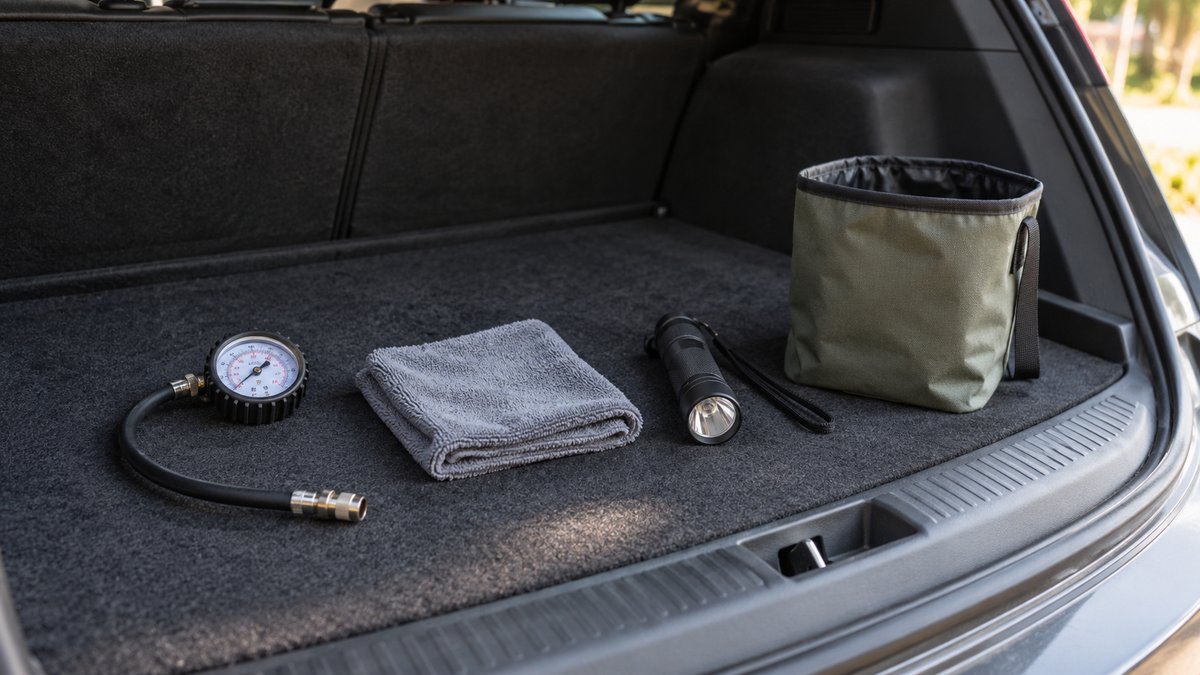
Prioritise a tyre gauge, useful cloths, a torch and tidy storage before decorative gadgets. Buy for a recurring task and check fit before keeping it.
Buying guides
Car Air Purifier: Filter, Airflow and Running Costs
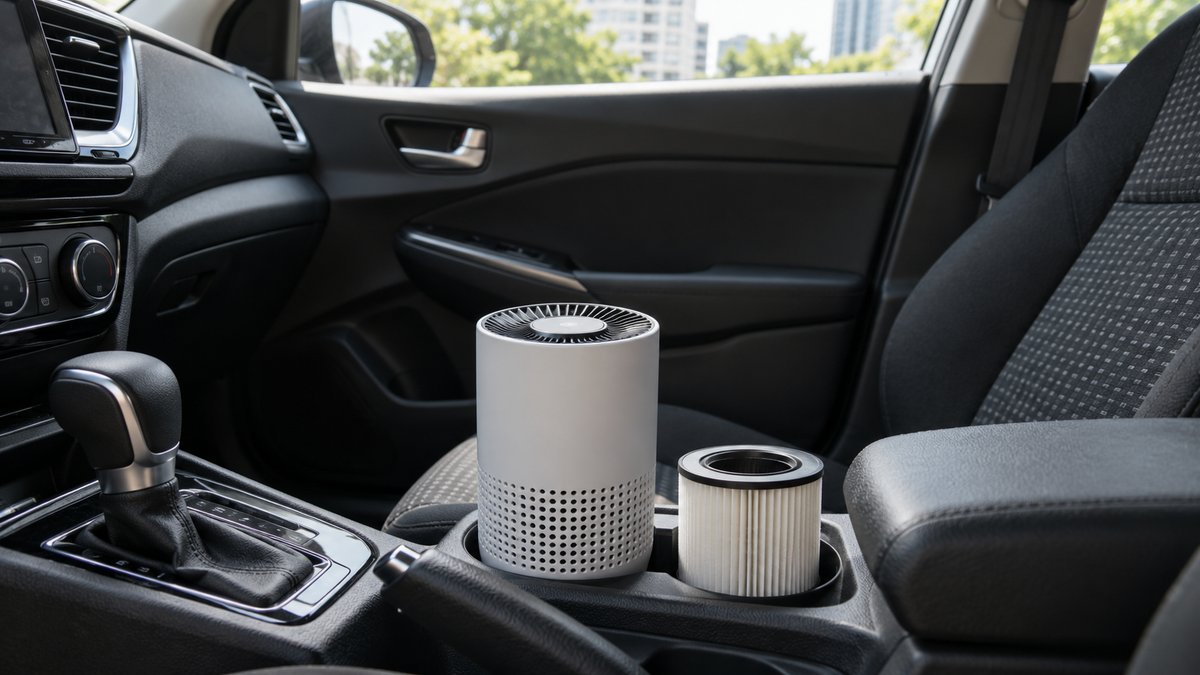
Choose a filter purifier with clear airflow evidence and available replacements. Remove odour sources and check safe mounting before buying.
Buying guides
Car Phone Holder Types Compared: Mount and Fit
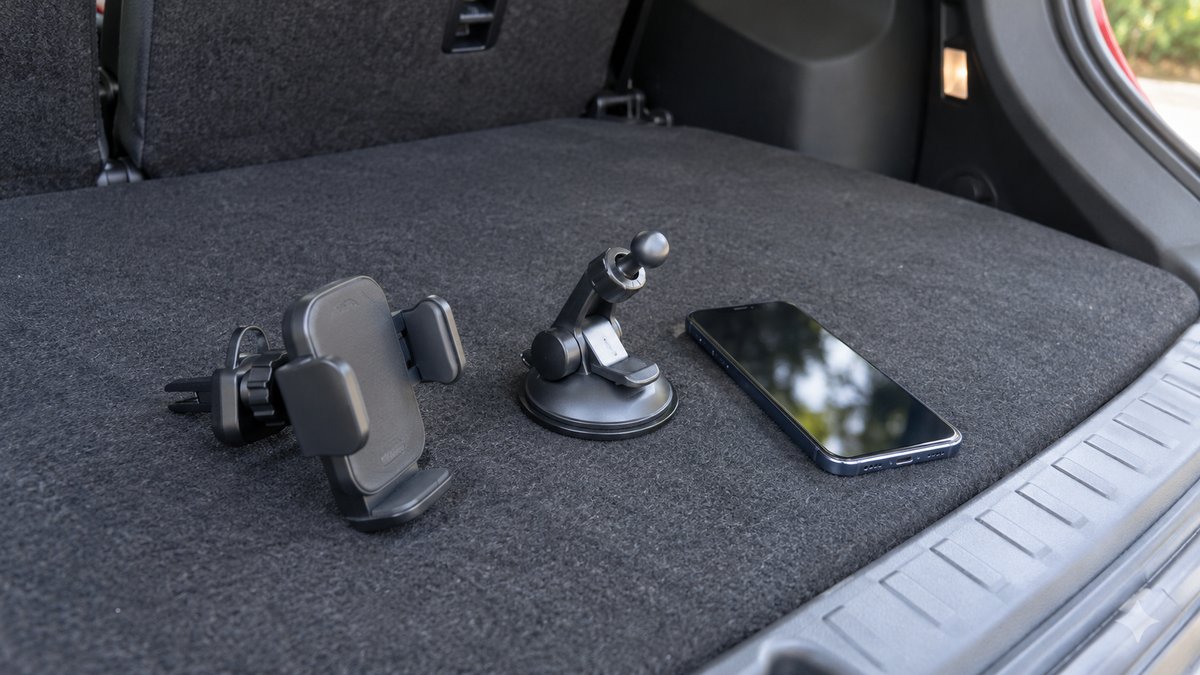
Choose the attachment and phone grip separately, then test the complete setup from the driving position while parked.