Buying guides
Dash Cam Buying Guide for Indian Roads
By Samveg Jain · Updated 21 October 2026 · 5 min read
Some links on this site may be affiliate links. If you buy through them we may earn a commission, at no extra cost to you. It never changes what we recommend. How this works.
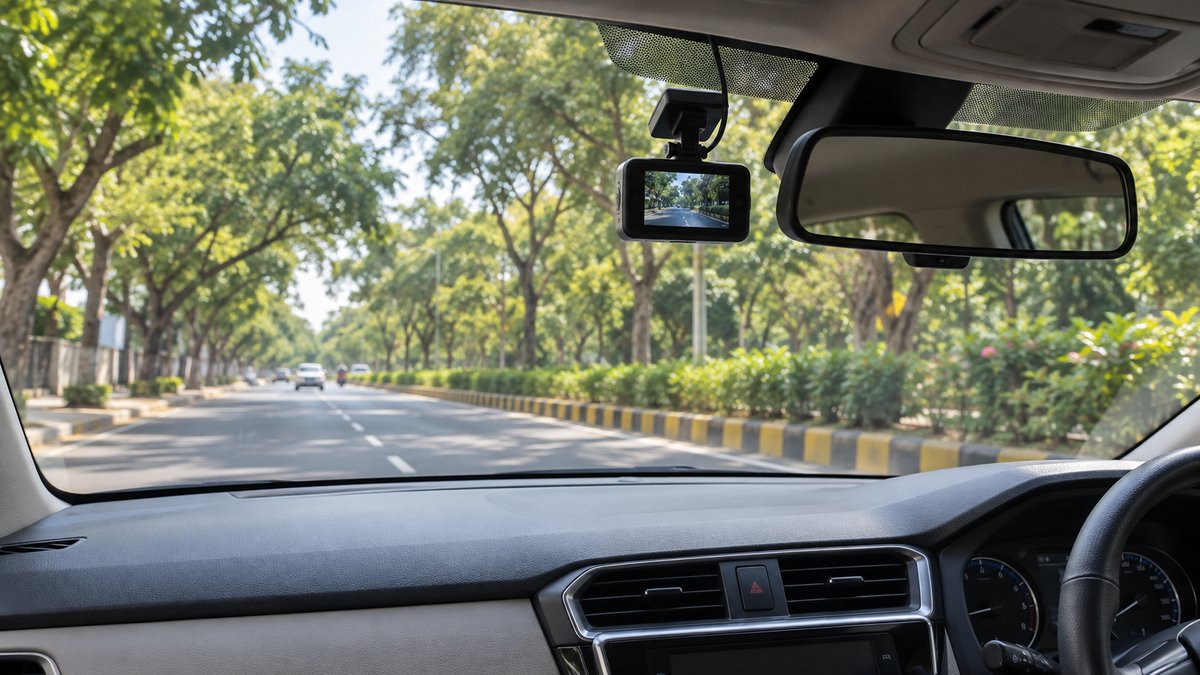
Buy a dash cam for footage you can retrieve and understand, rather than the largest resolution number on the box. Start with front coverage, check original recordings in daylight and darkness, then budget for an approved memory card and tidy installation. Add a rear camera or parking recording only when you need those functions and can support their wiring and power requirements.
Decide which events you want to record
A daily commuter may mainly need the road ahead during junction disputes. Someone who parks on a busy street may also want rear coverage and recording while parked. Those are different purchases. Write down the event you hope to document before comparing features, because a camera looking forward cannot explain everything happening behind a bumper.
Cabin recording is another category. It can be useful for some professional driving, but creates privacy questions for passengers. Do not buy extra channels just because the package sounds more complete. Our front versus dual-channel comparison explains the coverage and installation tradeoffs in more detail.
Inspect recordings instead of trusting specification badges
Ask for downloadable original files, not only compressed clips on a shopping page. Look at an approaching vehicle, a crossing vehicle and road signs near the edges. Pause frames from moving traffic rather than judging a stationary number plate in a bright showroom. A useful clip should also preserve the sequence of an incident, even when a plate is unreadable.
For Indian conditions, include headlights on unlit roads, overhead streetlights, reflections on wet tarmac and changes between sun and shade. Check how quickly the image settles after a bright light enters the frame. A very wide view can include more lanes while making distant objects appear smaller. Treat resolution, field of view and exposure as a package.
Match the camera to heat and the mounting position
Read the specified operating and storage temperatures, warranty exclusions and shutdown behaviour. A parked cabin in summer is a demanding environment. An internal battery or capacitor is part of a design, not proof that the entire recorder tolerates every parking condition. Ask what happens to the current file if the camera turns off because of temperature or power loss.
Choose a position that preserves the driver's view and avoids vehicle sensors, mirror movement and airbag deployment areas. Check the manufacturer's instructions before fitting the mount, and follow local windscreen and recording rules. Adhesive pads should suit the supplied bracket and glass surface. Keep a replacement pad available if the camera must be removed for windscreen work.
Compare complete setups
| Setup | Suitable use | Extra check |
|---|---|---|
| Front camera and socket lead | Driving footage with simpler fitting | Socket switching and cable routing |
| Front and rear kit | Recording traffic on both sides | Rear glass visibility and cable length |
| Protected parking package | Monitoring a particular parked view | Compatible supply, cutoff and recording mode |
Compare the delivered package rather than the camera body alone. The card, rear cable, mounting pads, installation and any parking supply can change the ownership cost. Cloud access may have separate connectivity or subscription requirements. Ask which functions remain available without an account or mobile connection, and whether footage can be copied directly from the card.
Make storage and file access part of the buying test
Continuous loop recording repeatedly replaces older footage. A protected event folder can also fill up, depending on the model. Read how the camera handles a full card, storage errors and interrupted recording. Buy a supported card from a traceable seller, and check the supplied capacity guidance for the number of cameras you plan to run.
Try the app workflow before the return window closes. Can your phone connect, locate a particular time and copy both camera files? Can a computer open them without a special viewer? Keep original files after an incident, with a separate backup. Correct the date and time during setup, and verify them after settings resets rather than assuming location data fixes everything.
Plan power without creating a cable hazard
A socket-powered camera may stop when the ignition turns off, while another car's socket may remain live. Confirm your vehicle's behaviour. For parked recording, power requirements differ between cameras. The manufacturer explanation of recording with the ignition off illustrates why a supported power arrangement matters; it is not a universal wiring recipe.
Use a competent installer for hardwiring. Ask them to keep wiring clear of pedals and curtain airbags, use appropriate circuit protection, and demonstrate shutdown and restart behaviour. Read our parking-mode guide before paying for that option. Avoid improvising a permanent installation with a loose extension lead across the cabin.
Keep the supplied power lead and model-specific documentation together. If a replacement cable becomes necessary, compare its connector, voltage requirements and installation guidance instead of choosing solely by the shape of the plug.
Run an acceptance check before keeping the purchase
- Record a familiar route in bright light and after dark, then open the original files.
- Check that the bracket stays secure and the lens does not reflect dashboard clutter.
- Confirm sound-recording settings, privacy choices and a visible recording indicator.
- Restart the car and check that both channels resume when fitted.
- Verify card-error warnings and learn how to preserve an incident clip while stopped.
Make adjustments only when safely parked. If you are also fitting navigation equipment, use the phone-holder guide to plan positions together. A camera that quietly records, survives normal use within its stated limits and lets you recover files is a better purchase than one whose extra features you cannot reliably operate.
What to look for when you buy
Compact front-only recorder
Readable recordings, discreet mounting, clear operating-temperature limits and easy file export.
Front and rear camera kit
Separate rear recordings, adequate cable length and a route compatible with the tailgate and airbags.
Parking-capable camera package
Documented recording modes, compatible protected power supply and installer support.
Frequently asked questions
Does higher resolution guarantee readable plates?
No. Movement, exposure, distance, glare and the lens affect readability. Judge original sample recordings from comparable conditions.
Can I use any memory card?
Use a card type and capacity approved for the camera, preferably intended for repeated video recording. Follow the camera maker's formatting directions.
Is a rear camera necessary?
It adds evidence behind the car, but also adds wiring and storage demands. Choose it when rear coverage solves a specific concern.
Will a dash cam record all night?
Only if its recording mode, supply and available power support that operation. Parking runtime is conditional and should never be assumed from a feature name.
More guides
Buying guides
Budget Car Accessories Worth Buying for Daily Use
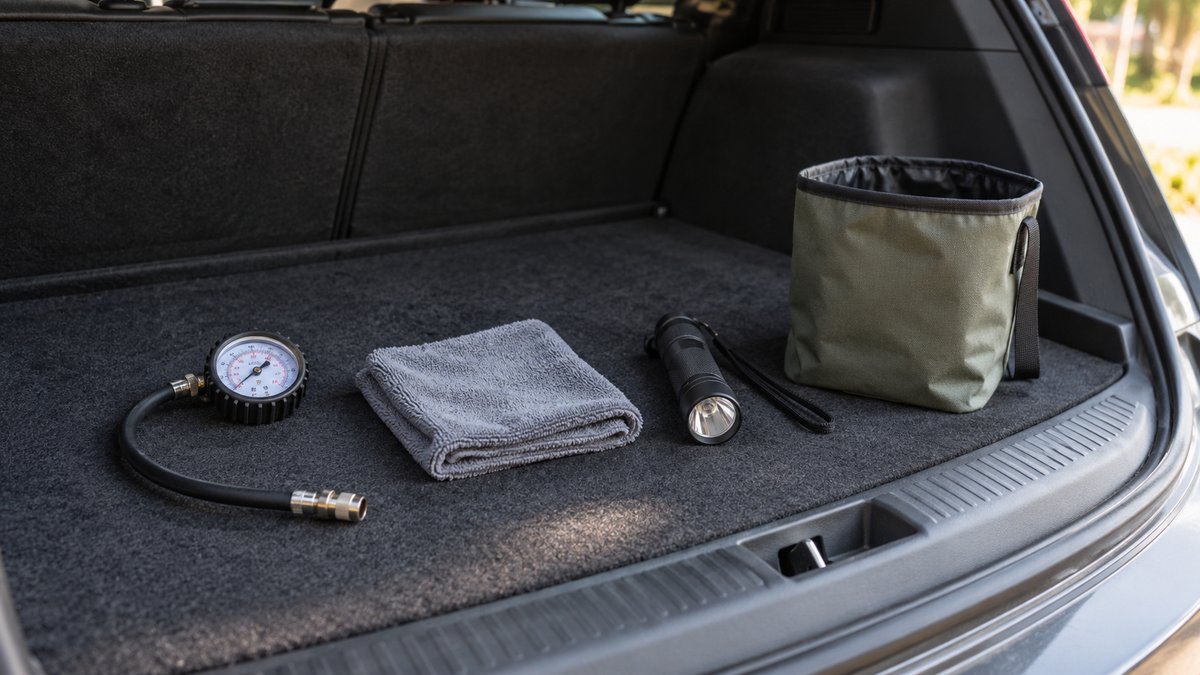
Prioritise a tyre gauge, useful cloths, a torch and tidy storage before decorative gadgets. Buy for a recurring task and check fit before keeping it.
Buying guides
Car Air Purifier: Filter, Airflow and Running Costs
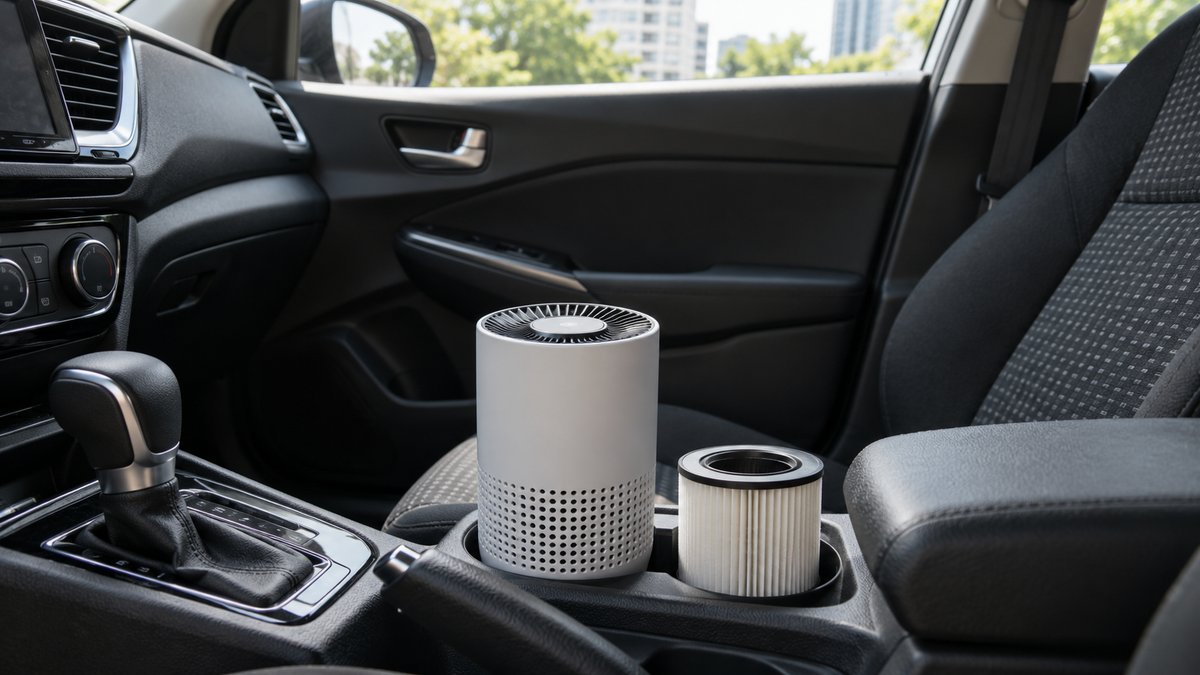
Choose a filter purifier with clear airflow evidence and available replacements. Remove odour sources and check safe mounting before buying.
Buying guides
Car Phone Holder Types Compared: Mount and Fit
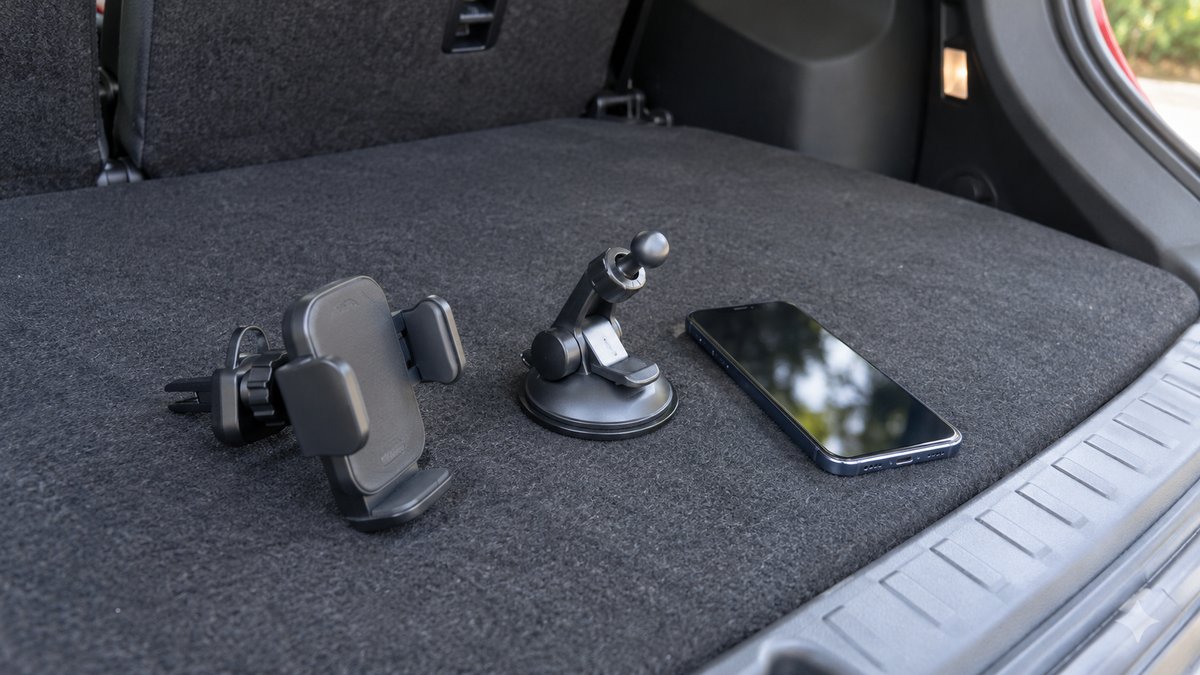
Choose the attachment and phone grip separately, then test the complete setup from the driving position while parked.